Save 20%Today only. Once it’s gone, it’s gone — grab yours before it sells out.
One-time purchase
No commitment, buy once.
£23.16
One-time price
Save
Most popular choice
Please choose a delivery frequency before adding to basket.
✓ Save on every order✓ Change or cancel anytime✓ Skip or delay deliveries£20.84£23.16
Save £2.32
Couldn't load pickup availability
Description
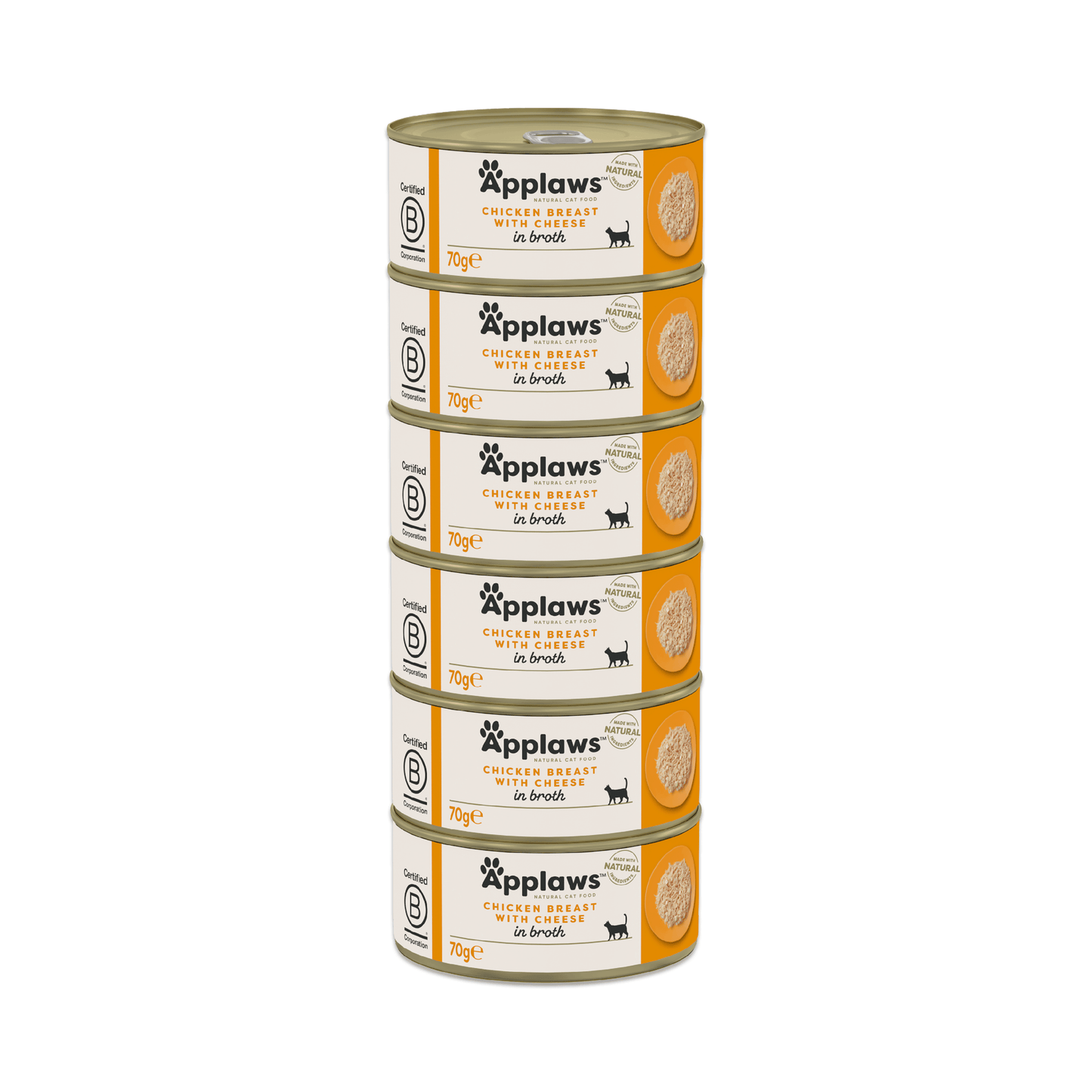
At Applaws, we believe that making pet food matters. It’s all we do. We believe and trust in the goodness of a food that starts with the highest quality ingredients. We call it natural simplicity. Applaws Chicken Breast with Cheese in Broth contains nothing more than the ingredients listed and is a 100% natural complementary pet food for adult cats.
100% Natural - Nothing added, Nothing hidden
70% Chicken Breast - We only insist on only the highest quality ingredients
Chicken Breast - Natural source of Omega-6
Complementary pet food - Feed with any dry food for a complete and balanced diet
Ingredients
Composition: Chicken breast 70%, chicken broth, cheese 5%, rice.
Feed alongside Applaws Complete Natural Dry food for a balanced diet. Always ensure fresh drinking water is available for your cat. Suitable for adult cats. 12 months+
Applaws Cat Tin 70g Chicken with Cheese
Purchase options:
Please choose a delivery frequency before adding to basket.
✓ Save on every order✓ Change or cancel anytime✓ Skip or delay deliveries
My cats love Applaws both Chicken variety, Tuna and Prawn and fish.
#
#N/A
Cats love it
Daphne has at least one tin a day and loves it . She finishes it all off yummy
l
lilyluce
Fussy cats
Bought this 2 weeks ago. Cats hated it! persisted with it for 9 days after which I gave up as I was throwing 90% of it away and they were miserable and hungry. Couldn't believe it as product smelt and looked like chicken we would eat. ( I didn't try it!!)
Pet Supermarket operated by Fetch! Retail Limited Address - Unit 1, Paramount House Gelderd Road, Birstall, Batley, England, WF17 9QD
Choosing a selection results in a full page refresh.
Opens in a new window.
PayPal Pay Later Messaging
Step 1: Choose message placement
Click the button below and then hover over your page to select a placement.
Step 2: Paste and save
You have copied the placement for the Product Page.
Go back to the App Embeds section, and in the Paypal Advanced Settings, paste the copied value into the
Product Page field and click the 'Save' button in the top right corner.